Liteplan Emergency lighting specialists


Mon - Thurs : 8:30 - 17:00 Fri : 8:30 - 14:00

Products

Monitor PRO – Wired DALI Emergency Operating System
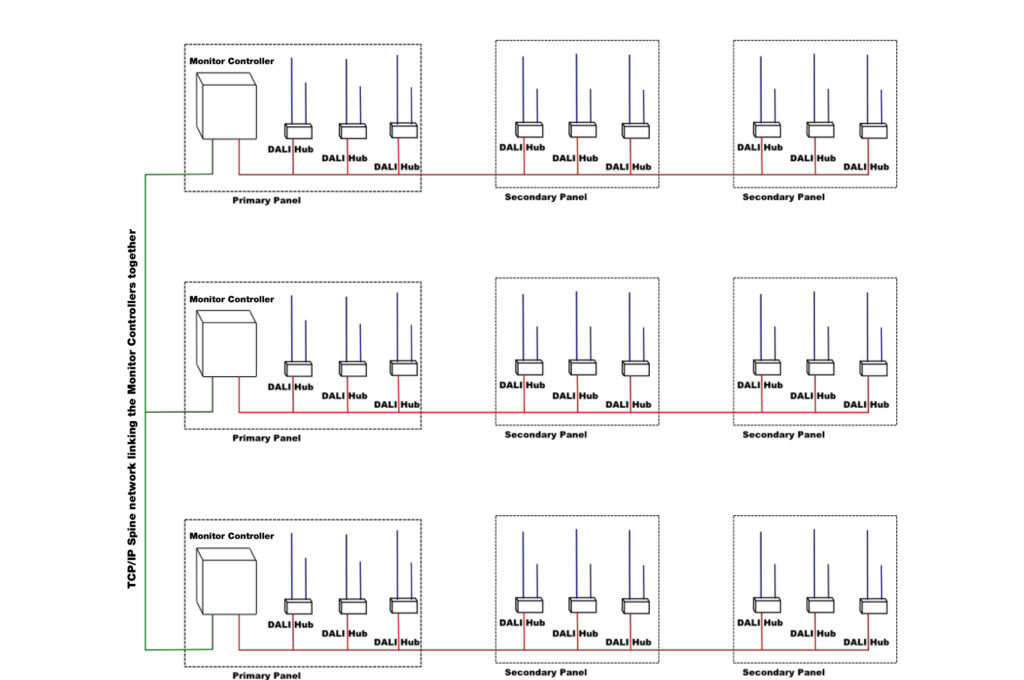
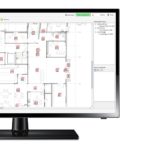
Monitor-PRO is Liteplan’s professional emergency lighting operating system gathering data from DALI compliant emergency lighting control gear and presenting it in a graphical and visually effortless user interface. Monitor-Pro features Liteplan’s exclusive Pre-Commissioning Mode, which simplifies installation. This mitigates the usual install issues and protects the batteries from premature discharging when site power is cut. The system works on an Ethernet platform to connect each hub to the head end PC creating a complete network that reports faults with live alerts. The user interface uses a floorplan layout with easy to locate icons making rectification work as straightforward as possible. Fully customisable test schedules can be set up to work around more complex business hours and the system can be linked to existing BMS where required. Monitor-PRO will send reports to chosen email addresses whilst also displaying faults in the graphical format. Sites can therefore be remotely managed and rectification works can be carried out specifically when required and with haste, saving costs. Monitor-PRO is built in accordance with the DALI standard IEC 62386 and is compatible with all DALI emergency control gear.

Order Codes

Order Code Description
User Interface
MPC/PRO Mini Tower PC, Monitor (screen), keyboard, mouse with Monitor-Pro software pre-installed
Monitor Controller
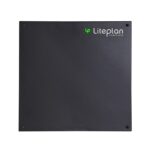
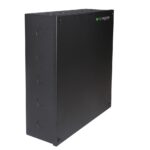
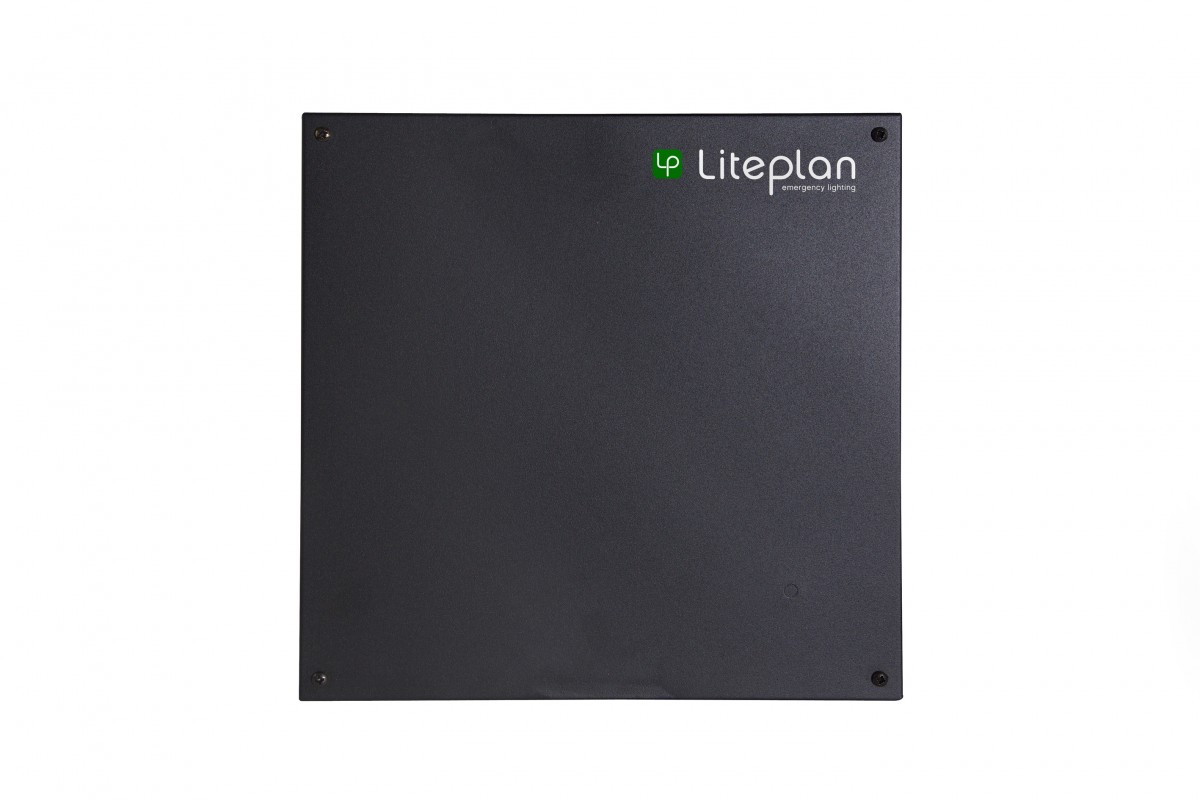
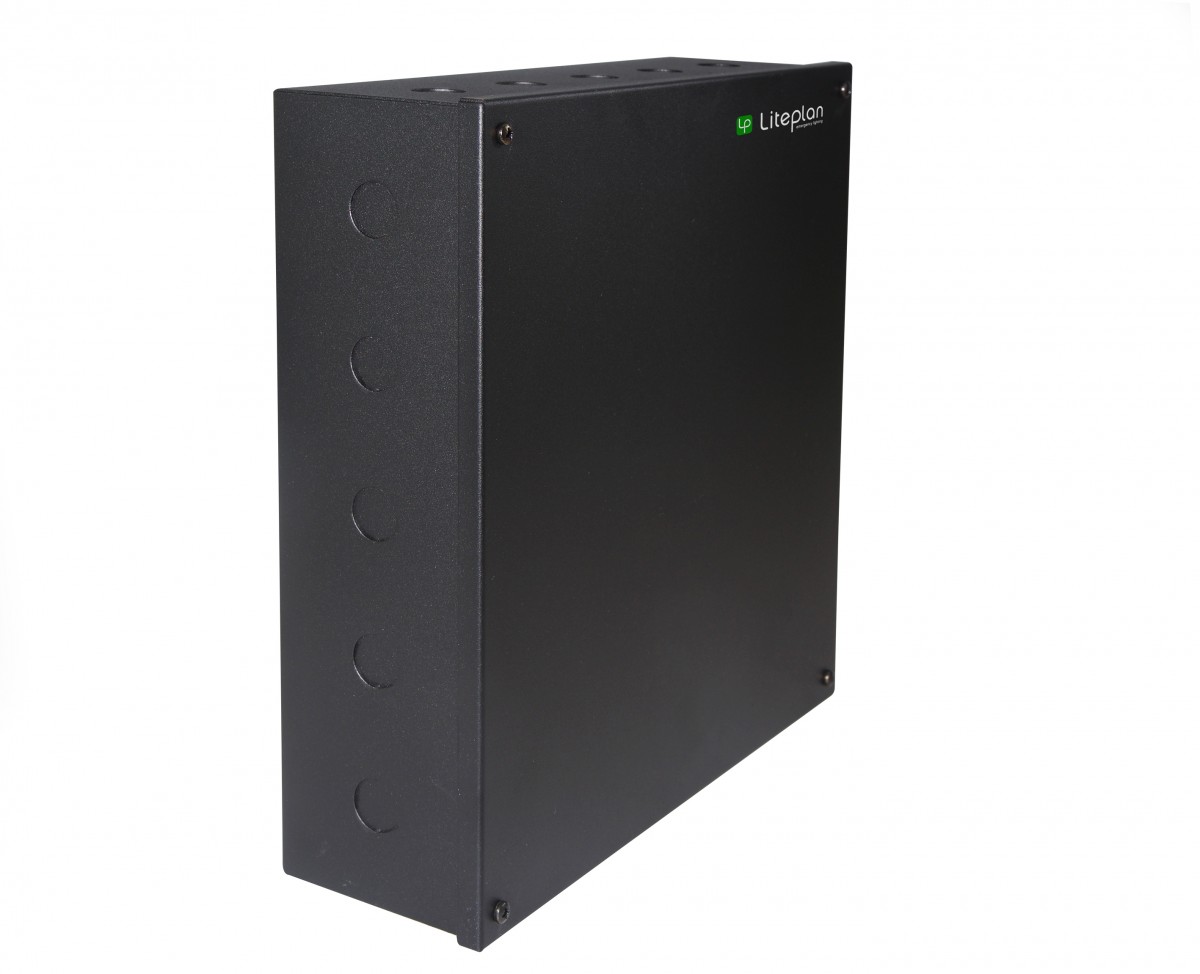
MCONTROLLER/ENC Monitor Controller, which will manage up to 10 hubs Housed in modular enclosure measuring 300mm wide x 300mm high x 90mm deep
Monitor Hub in Modular Enclosure
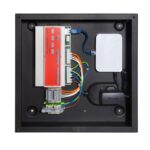
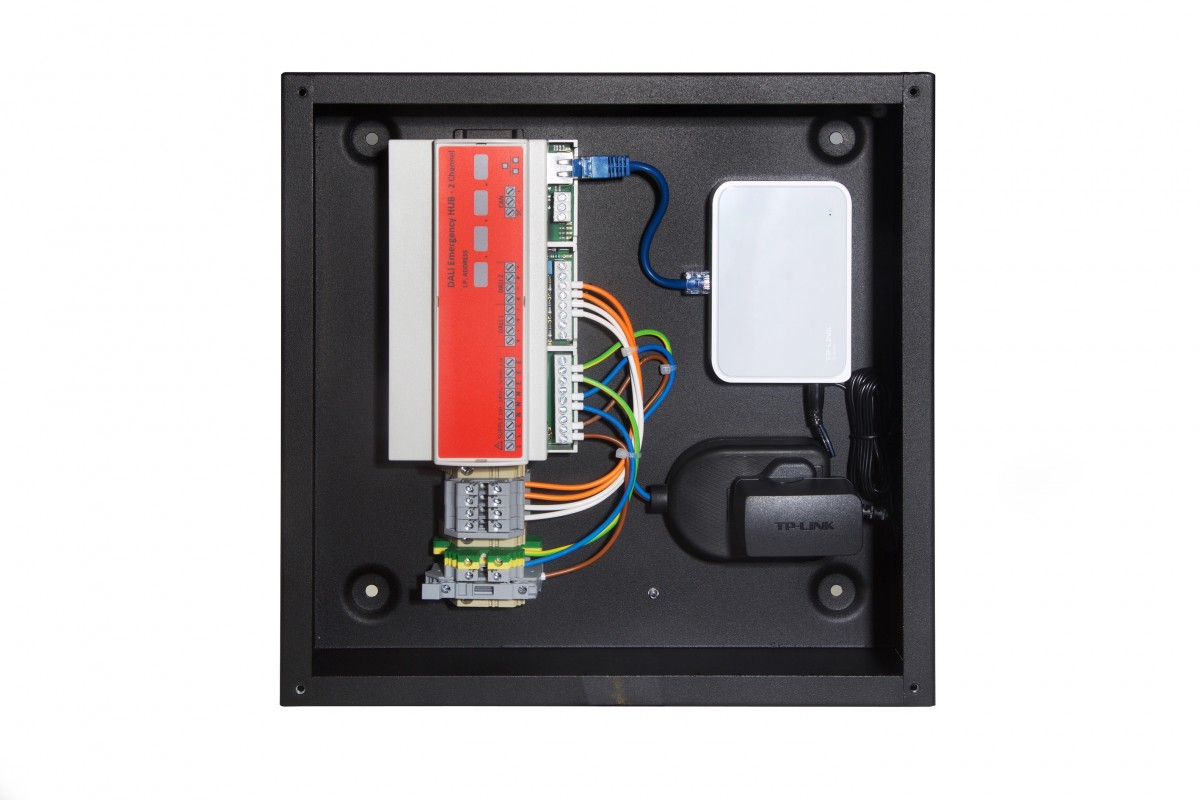
MHUB/2DALI/ENC1/SW Modular enclosure housing 2 channel DALI hub with 5 port switch - measuring 300mm wide x 300mm high x 90mm deep
Network Printer (optional)
MON/PRINT Network enabled printer with which allows localised printing of reports from the system
Commissioning
MON/COMMIS ** One day (09:00 - 17:00) on site commissioning of the system by Liteplan technician. Not including overnight stay.

** Commissioning bookings will be accepted subject to pre-commissioning checklist being completed adequately.

Monitor PRO – Wired DALI Emergency Operating System

Specifications

  • DALI Operating System IEC 62386 Compliant
  • Compatible with any Manufacturer's DALI Gear
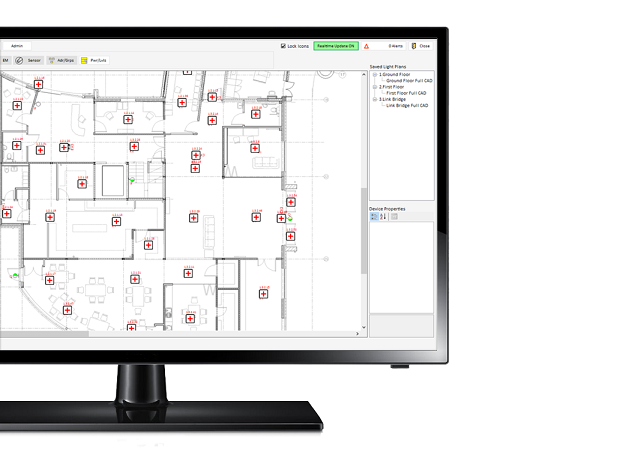
  • Floorplan Based User Interface
  • Infinitely Scaleable for Larger Projects

Graphic User Interface with full pan and zoom capability.

Monitor Pro’s GUI is easy to use and makes it simple for the user to obtain a snapshot of the emergency devices in an area with a glance as fault indications stand out a mile.

Exclusive Pre-Commissioning Mode.

Pre-Commissioning mode is an out of the box functionality of the Monitor DALI Hub. The purpose of pre-commissioning mode is to allow the installer to validate the wiring of the DALI networks before a Liteplan commissioning engineer attends the site. This means that any installation errors can be identified and corrected at much earlier in the project removing one of the key causes of project overruns on DALI sites. To use Pre-Commissioning mode the installer simply needs to connect the DALI buses to the DALI Hubs and switch on the power. The DALI Hub will then begin a sequence of broadcast commands on both DALI Networks inhibiting the emergency control gear. This feature protects the batteries by stopping discharges when the mains power is cut off. This used to be a major cause of premature battery deterioration on site prior to handover.

Multiple floor plans per page

This means that you can have a number of images for say the Ground Floor. One might show the electrical layout for engineers, another might show testing zones and you might also have a clean layout that only shows the walls. These can be toggled between instantly meaning the user can select the level of background information they require for their task.

All GUI icons are scalable to suit the background file.

Many other systems either restrict the scale of imported drawings or require custom icon sets to fit. Monitor-Pro allows the user to edit the scale of each set of icons on a per page basis making it simple to match the device icons to the background file.

Full system monitoring with live alert reports in the system and via email (requires a mail account)

Configurable User levels

Multiple users can be configured at different access levels from view only all the way through to full engineer level. This means that certain users can access the system but only edit items they have been authorised to access.

Scalable Topology

Each Monitor Controller manages up to 10 DALI Hubs for a total of 1280 emergency devices. Additional Monitor Controllers can be added to scale the system. There is no practical limit to the size of a system so Monitor-Pro could be used in a campus wide setup for example. The Monitor Controller can be configured to be accessible via the internet for remote monitoring/configuration.

Integration with BMS and other systems via Ethernet protocols or SQL database access.

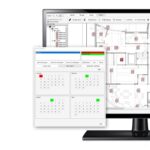
Fully Customisable Testing Schedules

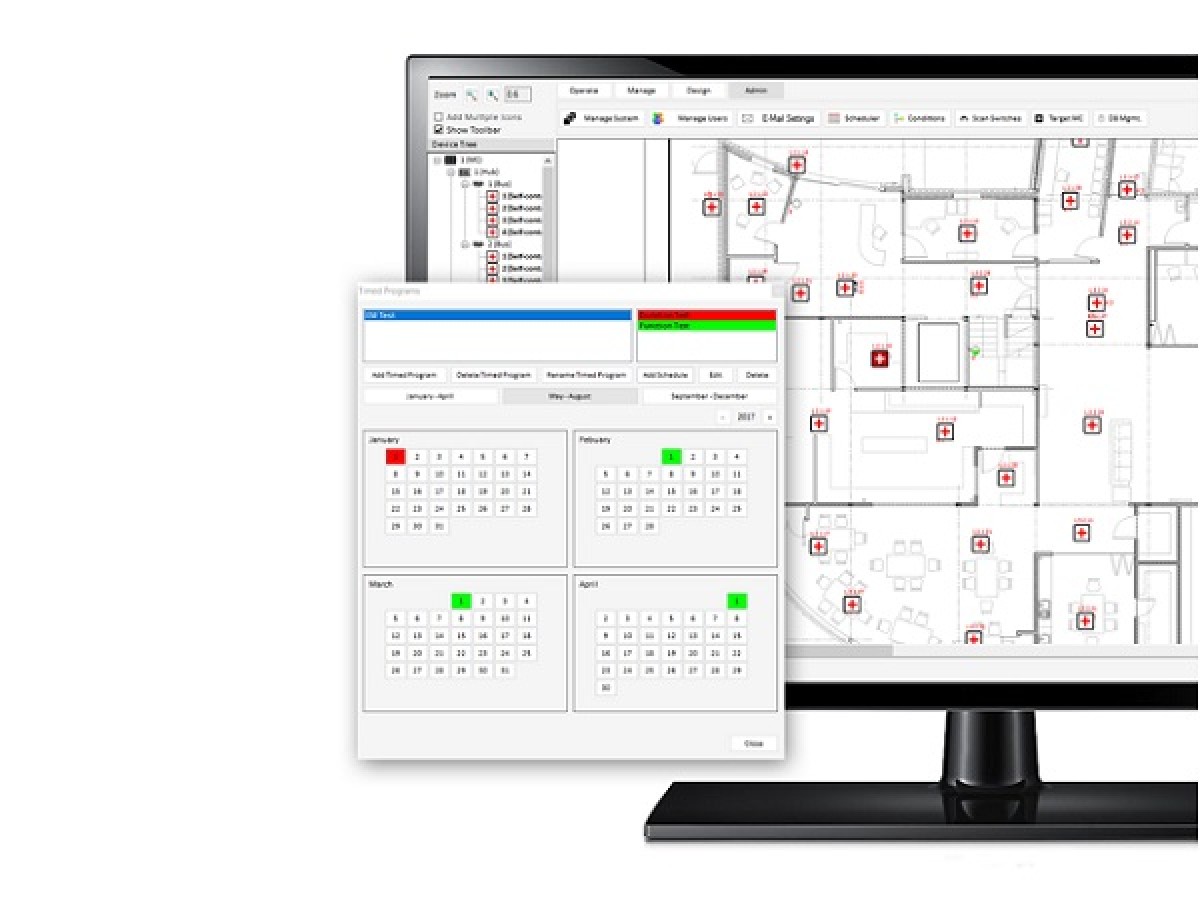
This is a step up over Monitor, Monitor-Pro can have as many testing groups as needed (Monitor only has 16 per MTOUCH panel) and each can run a custom schedule to run tests when required to suit the restrictions of the building. Testing is managed with an intuitive calendar configuration tool that help visualise when the testing events will occur. Test results may be printed, Exported as a CSV file for access in spreadsheet systems etc or send via Email.

Monitor PRO – Wired DALI Emergency Operating System

Monitor-PRO is Liteplan’s professional emergency lighting operating system gathering data from DALI compliant emergency lighting control gear and presenting it in a graphical and visually effortless user interface. Monitor-Pro features Liteplan’s exclusive Pre-Commissioning Mode, which simplifies installation. This mitigates the usual install issues and protects the batteries from premature discharging when site power is cut. The system works on an Ethernet platform to connect each hub to the head end PC creating a complete network that reports faults with live alerts. The user interface uses a floorplan layout with easy to locate icons making rectification work as straightforward as possible. Fully customisable test schedules can be set up to work around more complex business hours and the system can be linked to existing BMS where required. Monitor-PRO will send reports to chosen email addresses whilst also displaying faults in the graphical format. Sites can therefore be remotely managed and rectification works can be carried out specifically when required and with haste, saving costs. Monitor-PRO is built in accordance with the DALI standard IEC 62386 and is compatible with all DALI emergency control gear.

Order Codes

Order Code Description
User Interface
MPC/PRO Mini Tower PC, Monitor (screen), keyboard, mouse with Monitor-Pro software pre-installed
Monitor Controller
MCONTROLLER/ENC Monitor Controller, which will manage up to 10 hubs Housed in modular enclosure measuring 300mm wide x 300mm high x 90mm deep
Monitor Hub in Modular Enclosure
MHUB/2DALI/ENC1/SW Modular enclosure housing 2 channel DALI hub with 5 port switch - measuring 300mm wide x 300mm high x 90mm deep
Network Printer (optional)
MON/PRINT Network enabled printer with which allows localised printing of reports from the system
Commissioning
MON/COMMIS ** One day (09:00 - 17:00) on site commissioning of the system by Liteplan technician. Not including overnight stay.

** Commissioning bookings will be accepted subject to pre-commissioning checklist being completed adequately.

Monitor PRO – Wired DALI Emergency Operating System

Specifications

  • DALI Operating System IEC 62386 Compliant
  • Compatible with any Manufacturer's DALI Gear
  • Floorplan Based User Interface
  • Infinitely Scaleable for Larger Projects

Graphic User Interface with full pan and zoom capability.

Monitor Pro’s GUI is easy to use and makes it simple for the user to obtain a snapshot of the emergency devices in an area with a glance as fault indications stand out a mile.

Exclusive Pre-Commissioning Mode.

Pre-Commissioning mode is an out of the box functionality of the Monitor DALI Hub. The purpose of pre-commissioning mode is to allow the installer to validate the wiring of the DALI networks before a Liteplan commissioning engineer attends the site. This means that any installation errors can be identified and corrected at much earlier in the project removing one of the key causes of project overruns on DALI sites. To use Pre-Commissioning mode the installer simply needs to connect the DALI buses to the DALI Hubs and switch on the power. The DALI Hub will then begin a sequence of broadcast commands on both DALI Networks inhibiting the emergency control gear. This feature protects the batteries by stopping discharges when the mains power is cut off. This used to be a major cause of premature battery deterioration on site prior to handover.

Multiple floor plans per page

This means that you can have a number of images for say the Ground Floor. One might show the electrical layout for engineers, another might show testing zones and you might also have a clean layout that only shows the walls. These can be toggled between instantly meaning the user can select the level of background information they require for their task.

All GUI icons are scalable to suit the background file.

Many other systems either restrict the scale of imported drawings or require custom icon sets to fit. Monitor-Pro allows the user to edit the scale of each set of icons on a per page basis making it simple to match the device icons to the background file.

Full system monitoring with live alert reports in the system and via email (requires a mail account)

Configurable User levels

Multiple users can be configured at different access levels from view only all the way through to full engineer level. This means that certain users can access the system but only edit items they have been authorised to access.

Scalable Topology

Each Monitor Controller manages up to 10 DALI Hubs for a total of 1280 emergency devices. Additional Monitor Controllers can be added to scale the system. There is no practical limit to the size of a system so Monitor-Pro could be used in a campus wide setup for example. The Monitor Controller can be configured to be accessible via the internet for remote monitoring/configuration.

Integration with BMS and other systems via Ethernet protocols or SQL database access.

Fully Customisable Testing Schedules

This is a step up over Monitor, Monitor-Pro can have as many testing groups as needed (Monitor only has 16 per MTOUCH panel) and each can run a custom schedule to run tests when required to suit the restrictions of the building. Testing is managed with an intuitive calendar configuration tool that help visualise when the testing events will occur. Test results may be printed, Exported as a CSV file for access in spreadsheet systems etc or send via Email.

Follow us on our socials